Arzopa Flash Sale | Extra discount on Top Products
Extra Savings
Time Limited! Up to 61% on Selected Arzopa.
Time Limited! Up to 61% on Selected Arzopa.
Sort by
Sort by:


Portable Monitors for Productivity and Gaming
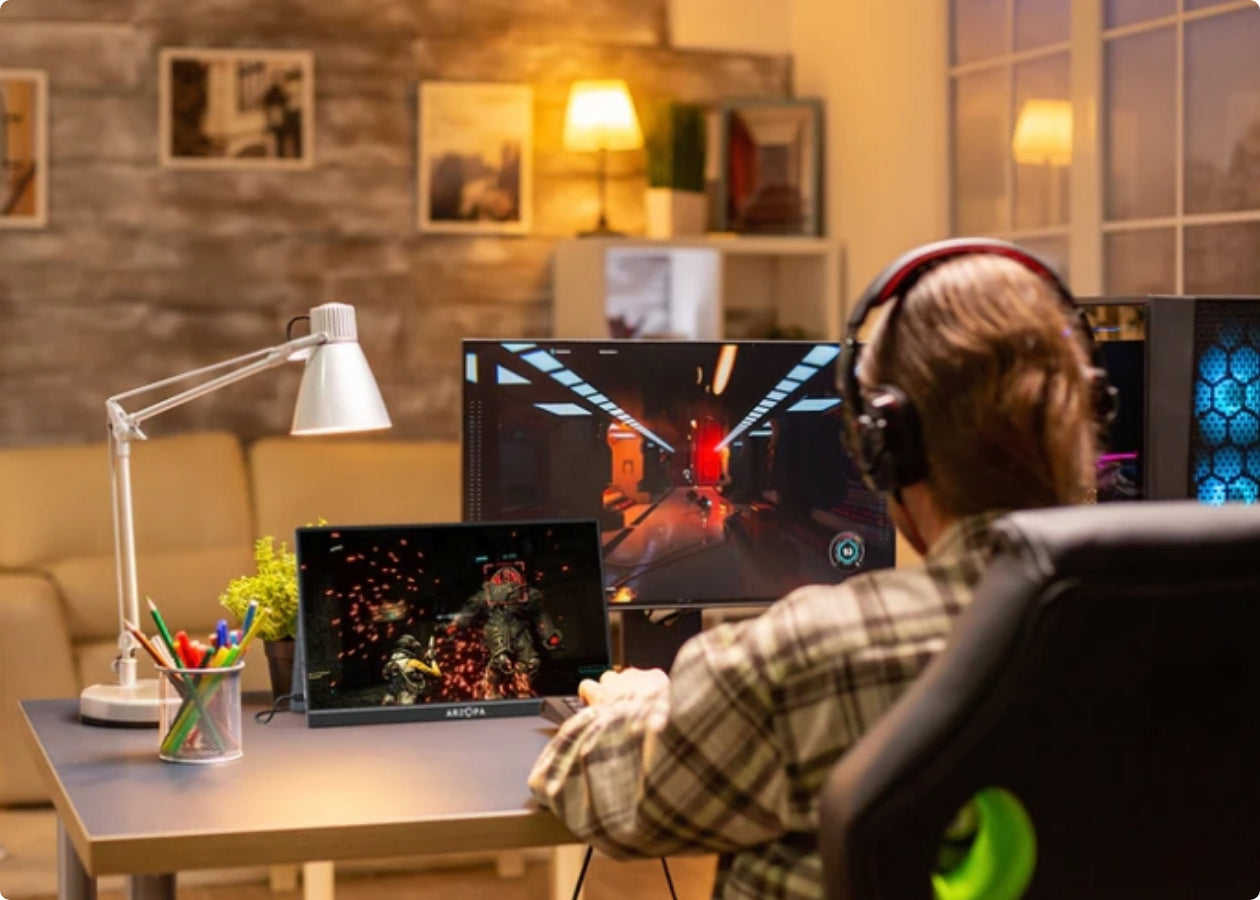
Elevate Your Gaming Anywhere
Experience seamless gaming at home or on the move. The Arzopa Z1FC stands out with its 144Hz high refresh rate, ensuring every move is blur-free and lightning-fast. Compatible with all major consoles (NS, Xbox, PS4/5, Steam Deck...), its instant USB-C connection lets you build a powerful dual-screen battle station in seconds.
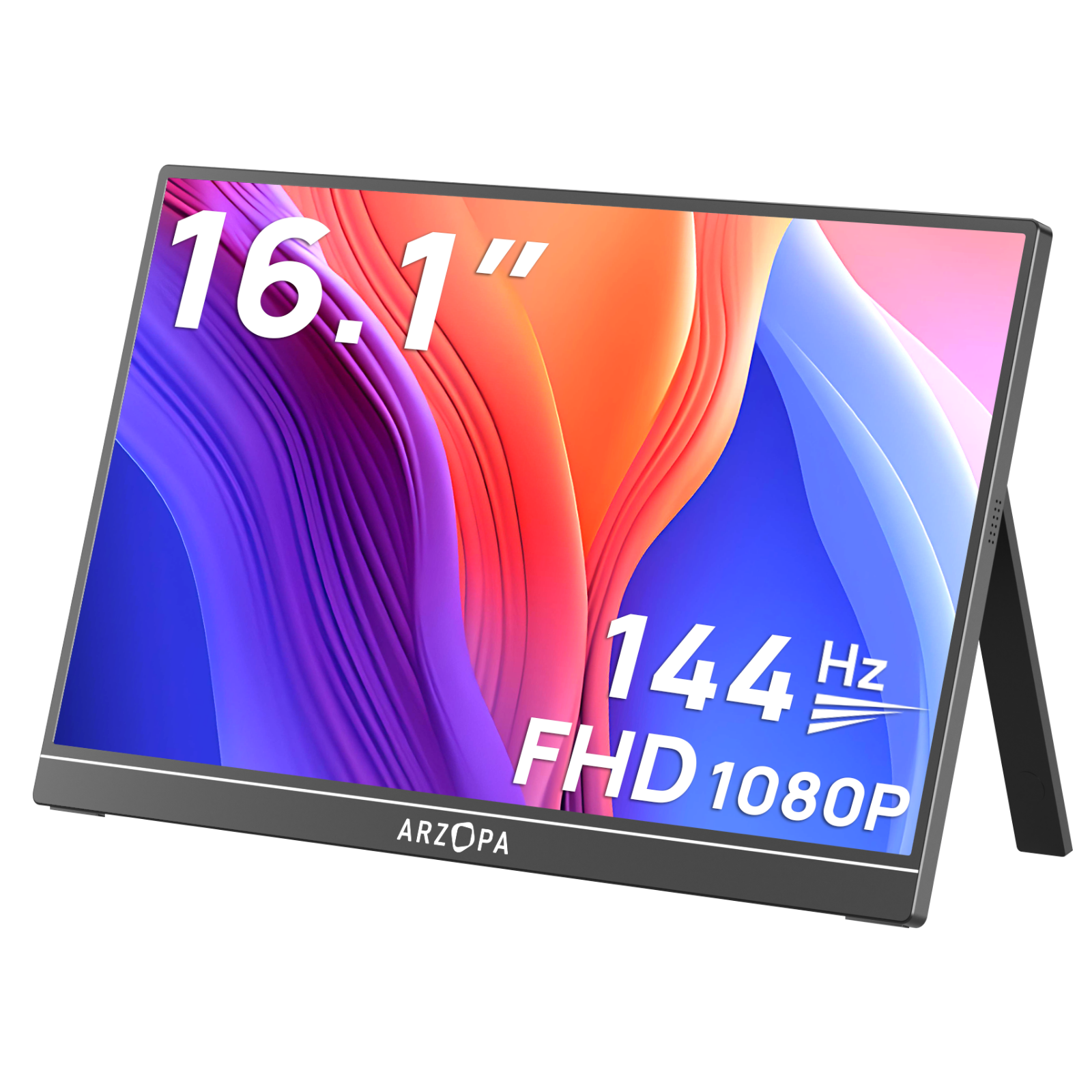
ARZOPA Z1FC
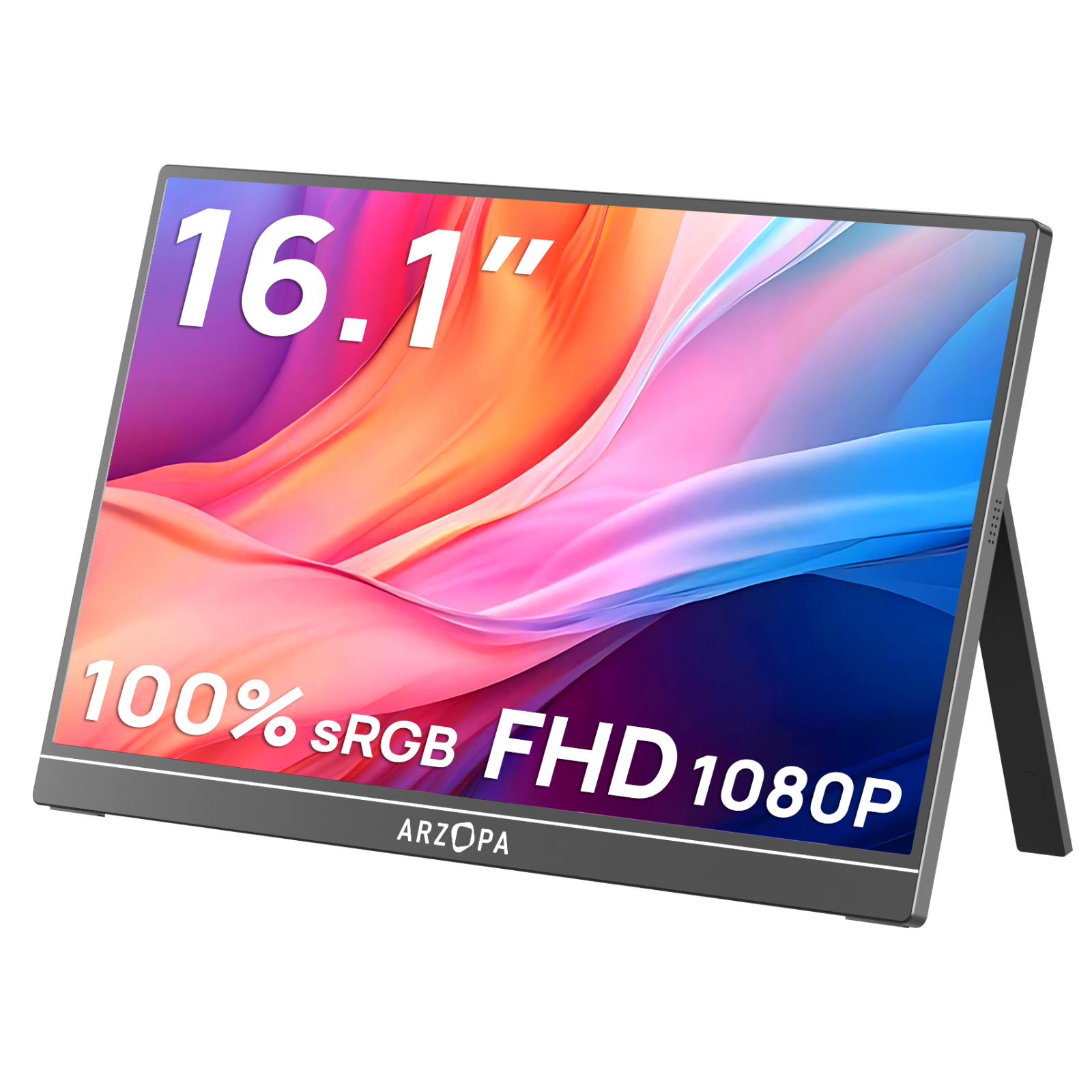
144Hz Portable Gaming Monitor | 16.1” Screen
€119,99
€209,99
Buy
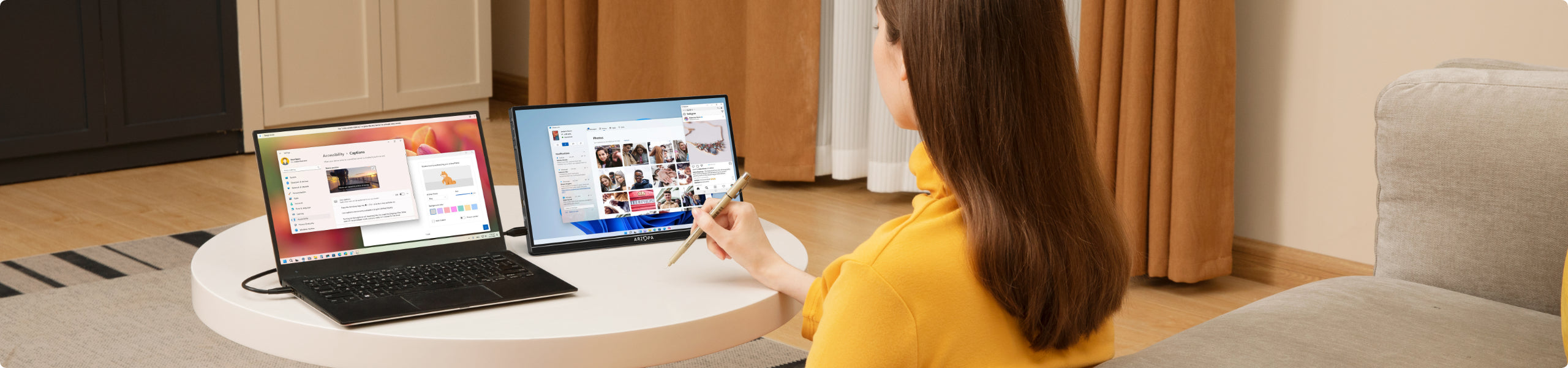
Connect with just one cable
Type-C to your portable monitor
FAQ
Do Portable Monitors Need a Power Source?
Portable monitors have flexible power connectivity depending on your device's interface. For modern devices with USB-C ports, such as contemporary computers, iPads, tablets, or smartphones, you can achieve a single-cable connection that simultaneously transmits video and provides power. This means no additional power cable is required, making setup incredibly convenient and minimizing cable clutter.
For older laptop models typically equipped only with HDMI interfaces, the portable monitor comes with more comprehensive connectivity options. These monitors include a mini HDMI port for adaptation and are packaged with essential accessories. The included box contains a mini HDMI to HDMI cable, along with a USB A to USB-C cable that serves as a power source. This ensures compatibility with older devices and provides a straightforward connection solution.
For older laptop models typically equipped only with HDMI interfaces, the portable monitor comes with more comprehensive connectivity options. These monitors include a mini HDMI port for adaptation and are packaged with essential accessories. The included box contains a mini HDMI to HDMI cable, along with a USB A to USB-C cable that serves as a power source. This ensures compatibility with older devices and provides a straightforward connection solution.
Can a Portable Monitor Be Used on a Desktop Computer?
Desktop computers can indeed use portable monitors with remarkable ease. For the latest desktop models featuring USB-C interfaces, connection is as simple as a single-cable direct link, enabling seamless video transmission and power supply. This plug-and-play approach makes integration smooth and hassle-free.
Even for older desktop computers with traditional interfaces, connection remains uncomplicated. The portable monitor includes a mini HDMI interface, and the accompanying package provides all necessary cables. You'll receive a mini HDMI to HDMI cable for video transmission and a USB-to-USB-C cable for powering the display. These included accessories ensure that regardless of your desktop's age or interface type, you can expand your screen real estate without complex setup procedures.
Even for older desktop computers with traditional interfaces, connection remains uncomplicated. The portable monitor includes a mini HDMI interface, and the accompanying package provides all necessary cables. You'll receive a mini HDMI to HDMI cable for video transmission and a USB-to-USB-C cable for powering the display. These included accessories ensure that regardless of your desktop's age or interface type, you can expand your screen real estate without complex setup procedures.
Do Portable Monitors Work with Phones?
Portable monitors offer extensive smartphone compatibility, supporting a wide range of contemporary mobile devices. Most modern smartphones with USB-C interfaces can connect directly, providing flexible display options. Specifically, the monitor is optimized for several advanced smartphone modes and brands.
Samsung users can leverage the DEX mode for a desktop-like experience, while iPhone 15 and newer models with USB-C ports enjoy direct connectivity. The monitor supports iPhone's mirror mode, allowing precise screen replication. Motorola smartphone users can utilize the Ready For mode, which transforms their mobile device into a more versatile computing platform. For other smartphone brands and models, it's recommended to consult the manufacturer's documentation to confirm external display screen mode compatibility.
Samsung users can leverage the DEX mode for a desktop-like experience, while iPhone 15 and newer models with USB-C ports enjoy direct connectivity. The monitor supports iPhone's mirror mode, allowing precise screen replication. Motorola smartphone users can utilize the Ready For mode, which transforms their mobile device into a more versatile computing platform. For other smartphone brands and models, it's recommended to consult the manufacturer's documentation to confirm external display screen mode compatibility.
What to Do If My Portable Monitor is Flickering, Too Dim, or Not Working?
When experiencing display issues with your portable monitor, a systematic troubleshooting approach can often resolve most problems. First, carefully examine all cable connections to ensure they are secure and not loose. Interface connectivity can sometimes be the root cause of display instability or non-functionality.
Brightness settings can significantly impact display performance. Adjust your monitor's brightness to the maximum setting to rule out any potential dimming issues. If problems persist, don't be discouraged. Arzopa, the monitor's brand, has established a comprehensive after-sales support system. Having successfully distributed over 5 million products worldwide, they are committed to ensuring customer satisfaction. For any persistent usage challenges or technical difficulties, the company encourages users to contact their dedicated support team through the official website's customer support channels.
Brightness settings can significantly impact display performance. Adjust your monitor's brightness to the maximum setting to rule out any potential dimming issues. If problems persist, don't be discouraged. Arzopa, the monitor's brand, has established a comprehensive after-sales support system. Having successfully distributed over 5 million products worldwide, they are committed to ensuring customer satisfaction. For any persistent usage challenges or technical difficulties, the company encourages users to contact their dedicated support team through the official website's customer support channels.
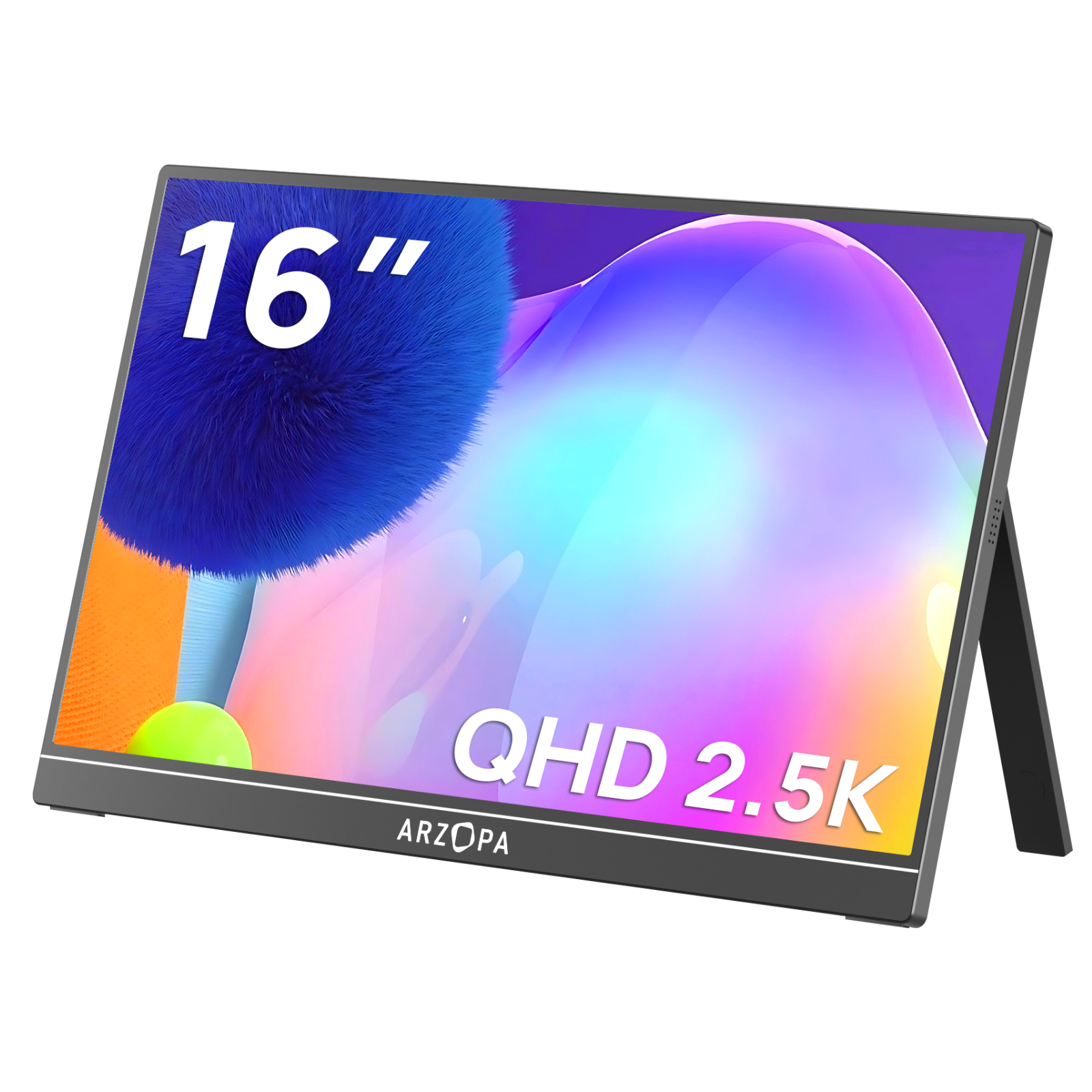
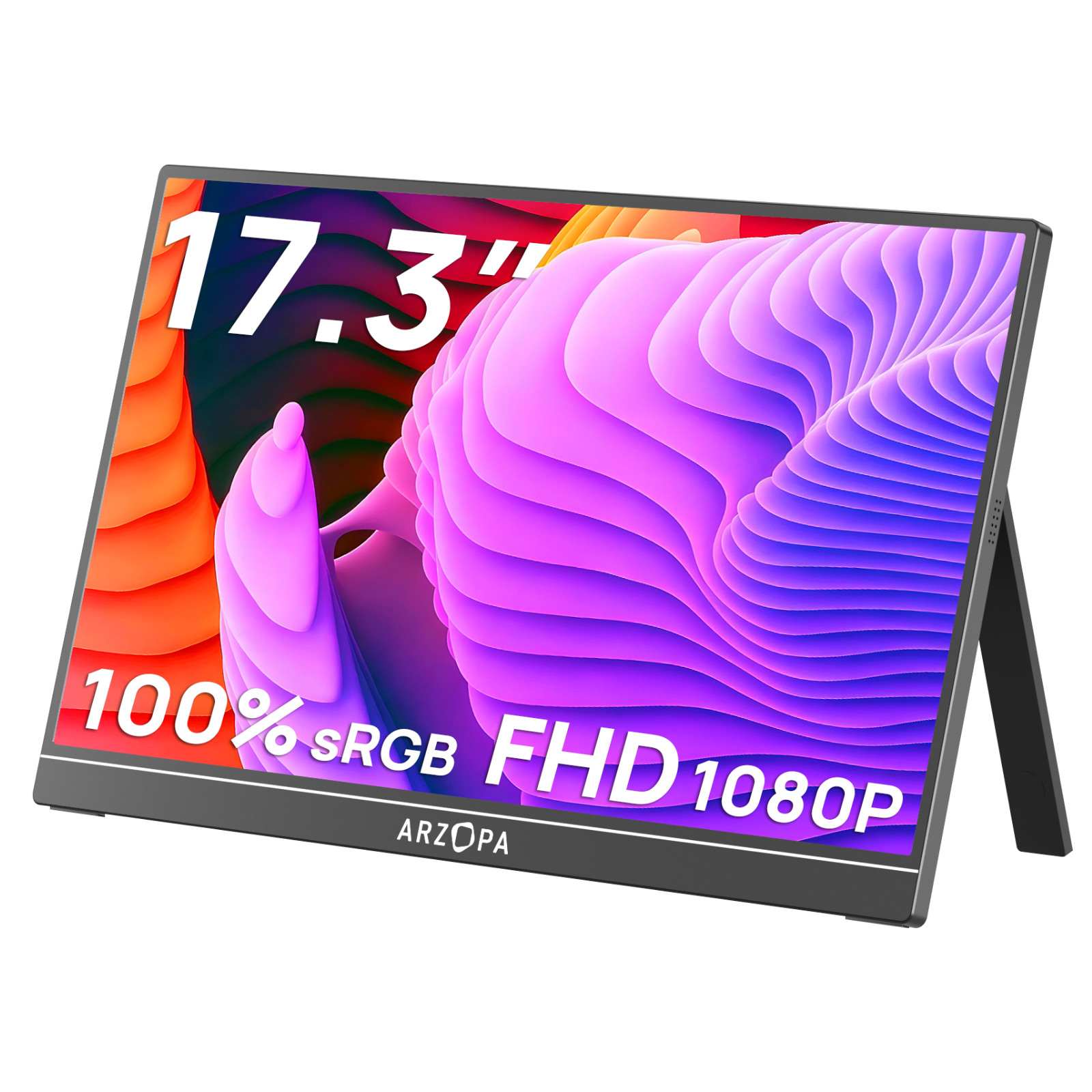
Comparison of Every Portable Monitor Series

Lifetime Customer
Our dedicated team is available 24/7 to assist with any questions or concerns.