


What Is Portable Monitor ?
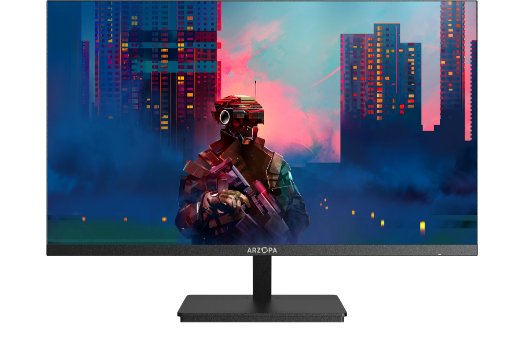
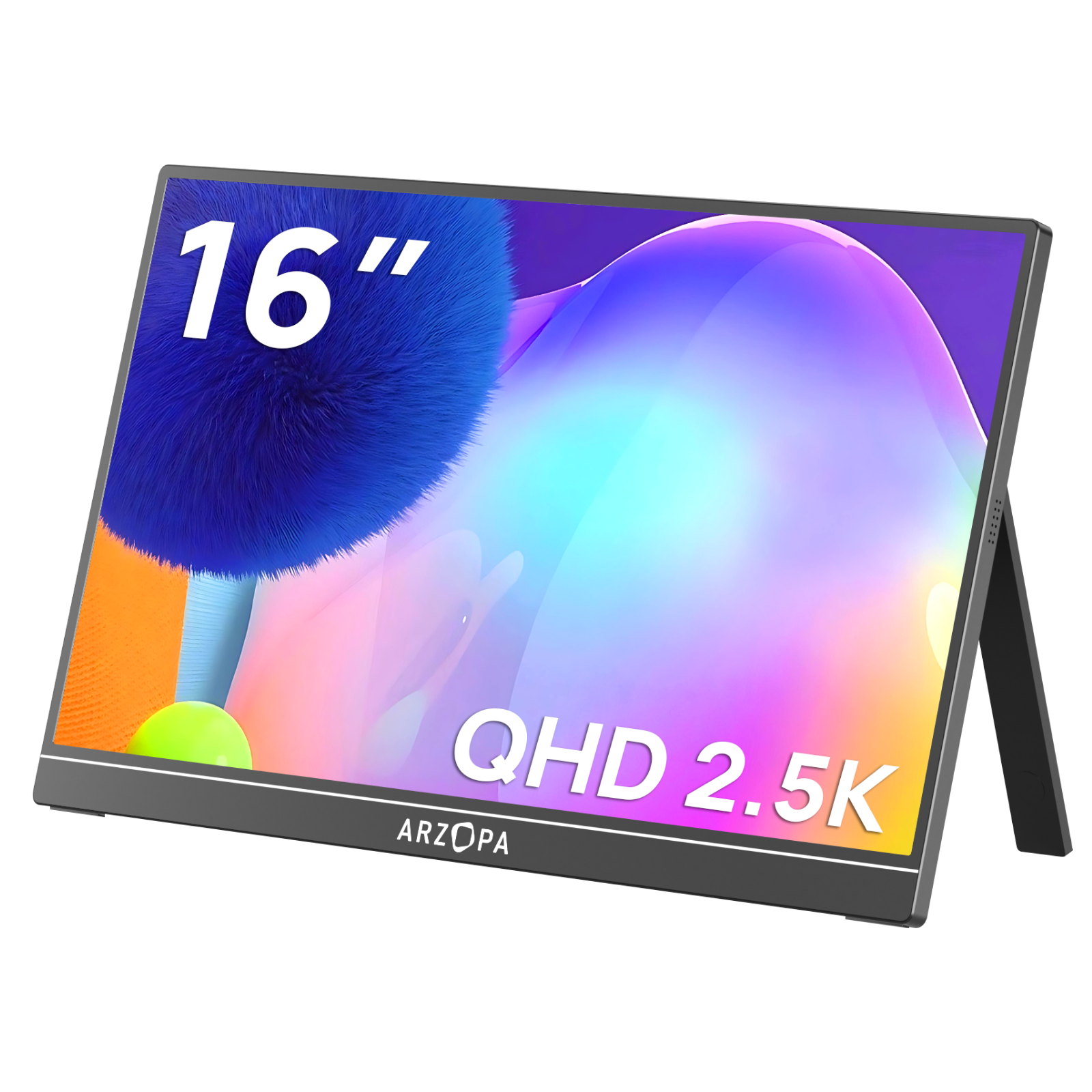
Have you ever imagined what it would be like if your laptop or phone could have a second screen anywhere, anytime? This is exactly the problem that a portable monitor (Portable Monitor) aims to solve. Essentially, it’s an external screen that’s easy to carry and plug-and-play. You can even call it a traveling monitor.

Its charm lies in this: without adding any burden to your backpack, you instantly get a dual-screen workspace. Using it is incredibly convenient. Most models only require a single USB-C cable to handle both power and video transmission, delivering a true “plug-and-play” experience. Of course, for older devices without USB-C video output, you can still connect via an HDMI adapter.
In essence, it compresses and slimizes the functions of a regular monitor. Its thickness is often thinner than a tablet, and the weight is usually between 500g and 900g, making it practically unnoticeable in your commuting bag. Many thoughtful designs, like auto-rotation between landscape and portrait modes or built-in stands, allow it to act as your reliable “co-pilot” screen anytime, anywhere.
Why You Might Need a Portable Monitor
To be honest, a portable monitor might seem unnecessary if you’ve never used one,and wonder what is portable monitor—but once you try it, it’s hard to go back to single-screen life. Its biggest value isn’t “looking cool,” but restoring smoothness to your work and life: one extra screen equals double the space, so you no longer have to constantly switch between countless tabs, saving your brain cells.
If you frequently work on the go, or spend your days staring at a small laptop screen handling documents, spreadsheets, or design drafts, a portable screen can immediately upgrade your efficiency from “barely coping” to “actually functioning like a human.” On business trips, in coffee shops, libraries, or dorms, no matter how tiny the desk is, it fits right in. You can even connect a phone, turning it into a temporary workspace—completely sufficient.

It’s not a replacement for traditional monitors, but it excels at filling in the gaps that traditional monitors can’t reach: mobility, temporary setups, small spaces, and ad-hoc work environments. If these situations often occur in your daily life, there’s a high chance you’ll need a portable monitor—it’s just that no one told you clearly before.
Core Features of a Portable Monitor (How to Choose)
Portable monitors may look similar on the surface, but before buying, there are several key points you need to consider. Otherwise, you might end up with insufficient brightness or incompatible ports—frustrating enough to make you question life.
-
Size & Weight
Common sizes range from 13 to 16 inches. For portability, choose around 14 inches; if you frequently handle spreadsheets, edit videos, or design, 15.6 inches is more comfortable. The lighter, the better—keep it between 600–900g so your backpack won’t feel heavier. -
Brightness & Display Quality
Brightness is the most overlooked aspect. 300–400 nits are fine for daily use, but if you often work by a window or in a café, a dim screen will have you battling reflections. Designers or photographers might consider higher-end OLED or wide-gamut panels. -
Refresh Rate & Usage
For office work, documents, and browsing, 60Hz is sufficient. If you occasionally play games or want smoother gameplay when connecting a Switch, choose 120Hz or higher for a noticeable difference. -
Ports & Compatibility
USB-C one-cable solution is highly recommended—power and video in one, no extra fuss. If your device doesn’t support USB-C video, check for HDMI Mini or other compatible ports to avoid finding out you can’t connect after buying. -
Stands, Rotation & Portable Accessories
Some models rely on magnetic covers to stand, while others have sturdy built-in stands or support portrait rotation. Portrait mode is particularly useful if you often code or read documents. Another small detail: check for VESA compatibility if you want to mount it on a stand.

Choosing a portable monitor isn’t about stacking specs, but about finding a screen that fits seamlessly into your daily work habits. Once you clarify your core scenarios, most specs will naturally narrow down.
Common Scenarios for Portable Monitors: 6 Real-World Uses
The appeal of portable monitors isn’t in the specs—it’s in how they can serve as a second screen in chaotic, cramped, and temporary setups. These user types often can’t live without them once they try:
1. Business Trips / Mobile Office 💼
Hotel desks are always tiny, but emails, reports, and meeting documents don’t disappear just because the desk is small. A portable monitor is a lifesaver here—the true traveling monitor. It fits in your bag without taking space. Connect it and instantly get dual screens, expanding your laptop into a full workstation. You can even use it for temporary presentations to clients or colleagues.
2. College Students / Renters 🧑🎓
Dorm desks are too small to fit even a keyboard properly, let alone a large monitor. The portable monitor seems made for such environments—light, affordable, and take-it-anywhere. When writing papers, doing homework, or attending online classes, an extended screen instantly improves efficiency. For budget-conscious students who frequently move, it’s far more practical than a bulky desktop monitor.
3. Frequent Travelers (Video Editing, Writing, Light Office Work) ✈️
You can’t carry a desktop monitor on a trip, but you may need to check info, edit photos, or continue remote work. A laptop screen extender portable is enough. Whether in an airport lounge, train small table, or Airbnb terrace, it can be easily set up. This is where portable monitors truly separate themselves from traditional monitors.
4. Programmers / Writers / Document Workers 📝
Portrait mode is incredibly useful. Coding, checking APIs, or comparing documents—standing up a portable monitor creates a “personal info waterfall.” You can place it next to your laptop as a second screen, or even use your phone as a monitor for mobile, without feeling cluttered.
5. Photographers / Designers on Location 📸
Whether checking RAW photos, temporary composition confirmation, or quick editing on the go, a laptop screen is limited. A portable monitor immediately gives you larger framing and more accurate colors. OLED models are like a mini professional monitor in your backpack, letting you assess work quality outdoors.

6. Gamers (Switch / Steam Deck) 🎮
A Switch plus a portable screen lets you play anywhere while traveling. The screen is much bigger than the handheld, making the experience delightfully comfortable. Hotel rooms, friends’ homes, or Airbnb terraces can instantly become temporary gaming rooms. Plus, it allows multiple people to share the screen, breaking free from the cramped handheld experience.

How to Use a Portable Monitor as a Second Screen
The most attractive aspect of portable monitors is the ridiculously low learning curve. No need to know hardware or install drivers—just plug it in and the screen lights up. Here’s a simple guide for most devices:
1. Most common method: USB-C direct connection
If your laptop supports USB-C (with DP Alt Mode), congratulations—this is the simplest combination. Plug in the USB-C cable, and power, video, and touch (if available) all go through at once. Your second screen automatically extends. This plug-and-play feature is why portable monitors are so popular.
2. If your laptop lacks USB-C video output
Don’t panic. Many older devices can still connect to a second screen. Just check if you have:
HDMI / Mini HDMI
USB-A (power only) + HDMI (video) combo
Follow the manual, and the system will automatically detect it—no extra setup needed.
3. Using it with a phone as an “extended display”
Many don’t realize that modern phones can use a portable monitor as an external big screen. Essentially, it becomes a monitor for mobile. Samsung DeX, Xiaomi/Huawei PC mode, all can project to a portable monitor for temporary work setups.
4. After connection, two things you may need to do 💻 System Settings (Windows / macOS)
Once connected, the system detects the second screen automatically. Adjust settings as follows:
-
Windows: Right-click Desktop > Display Settings > Multiple Displays > choose:
Extend: two screens show different content
Duplicate: two screens show the same content
Show only 1 or 2: use only one screen
macOS: System Settings > Displays > drag the two rectangles to arrange the monitors, adjust resolution and display mode.
How to Choose a Portable Monitor (Buying Guide)
Choosing a portable monitor isn’t as complicated as it seems, but with so many specs, it’s easy to get lost. A simple approach: clarify what you’ll use it for, then filter by your needs rather than being guided by technical jargon.
Key selection points:
Size & Weight
Most portable monitors are 13–16 inches. If you work in cafés or trains, lighter is better; for design or gaming, 16 inches gives a better experience.Resolution & Refresh Rate
Office/documents: 1080p is sufficient
Graphic design/photography: 2K or higher is recommended
Gaming: refresh rate at least 120Hz, for action games 165Hz or 180Hz provides smoother experience
Panel Type
IPS is balanced with stable color accuracy and viewing angles. For higher contrast, consider VA; OLED looks great but carries cost and burn-in risks.Brightness & Color Gamut
For outdoor or near-window work, brightness of at least 300–400 nits is steady. For photography/design, look for 100% sRGB or higher.Ports & Compatibility
USB-C full-function is most convenient, one cable for video + power. If your laptop/PC lacks USB-C DP output, HDMI is essential.Built-in Stand, Rotation, Touch, and Other Extras
These are “once you try, you can’t go back” features but not everyone needs them. Useful for on-site photo monitoring, coding in portrait mode, or multi-device switching.
Once you clarify your needs, you may wonder if there’s a model that balances specs well. If your budget allows, and you want a “do-it-all” reference with high refresh rate, high resolution, and multiple ports, check out our Arzopa Z3FC: 16-inch, 2K, 180Hz, USB-C + HDMI, lightweight yet sturdy, one of the most comprehensive models on the market. Perfect if you want something that can handle gaming, work, and portability at once.
Summary
Portable monitors have evolved from a niche accessory to a productivity essential. Whether boosting mobile work efficiency or enjoying big-screen gaming on the go, knowing your core needs and following the buying guide to select the right size, resolution, and ports will help you find your perfect “second screen.”